All administrators in Link Manager have the same permissions. They can start and stop subscriptions, create new private networks, or order SIM cards.
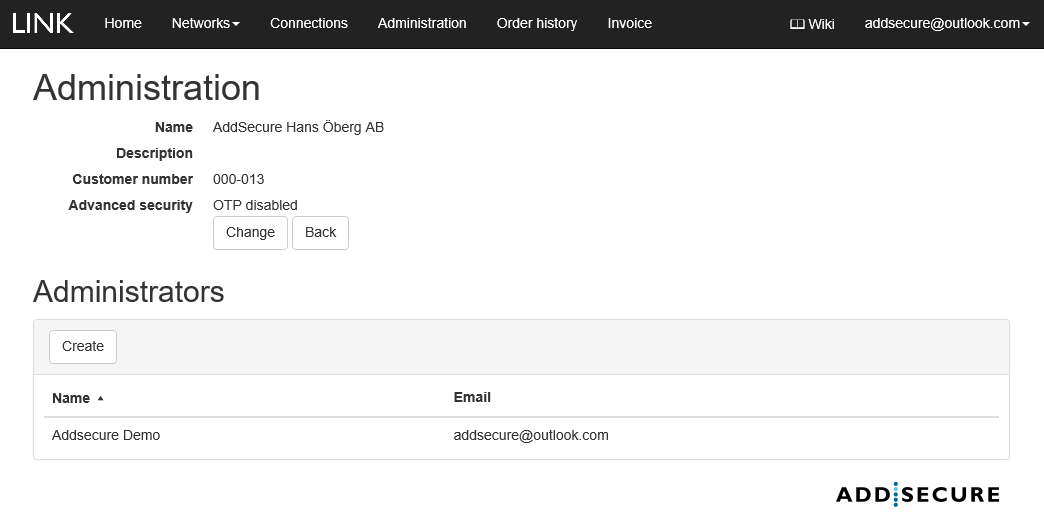
How to create a new administrator:
- In the menu bar, click Administration.
- Then click Create.
- Type the name, phone number, and email address for the administrator.
- Click Create.
After the account is created, an email containing the account information and password is automatically sent to the new administrator. The phone number is only used by our support team so that we can provide the best customer support possible.
To remove an administrator, send an email to our support team.