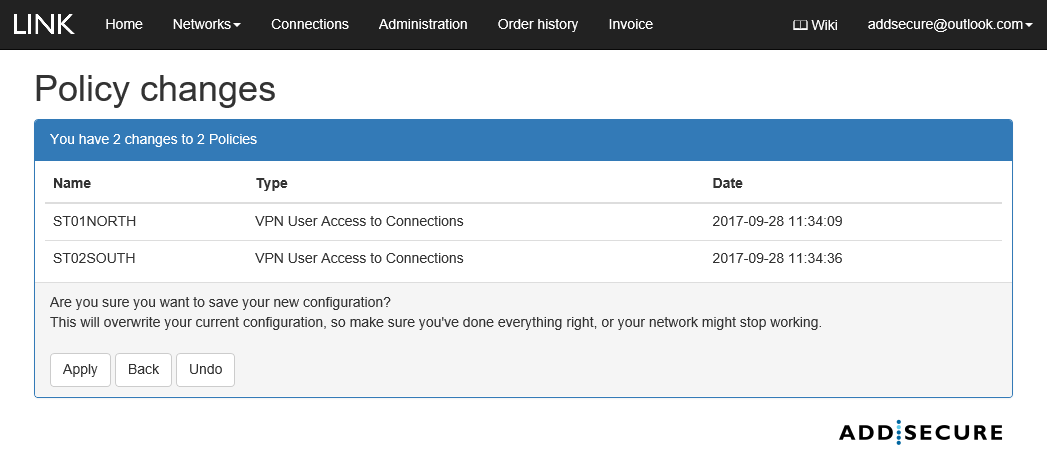
Policy rules makes it possible to apply new routing rule to manual override the default routing in a Link Network. For more information, see section 8.
 Note that applying a policy may overwrite the current configuration and the network might stop working correctly.
How to create a network policy:
- In the menu bar, click Networks.
- Select the applicable network by clicking by its name.
- Click at Policies panel and Add.
- Specify a name and a description for the policy.
- Select the box Enable
- Select which connections, VPN user accesses and target networks that shall be included in the policy and click Save.
How to activate a network policy:
- To activate a network policy, click Apply.
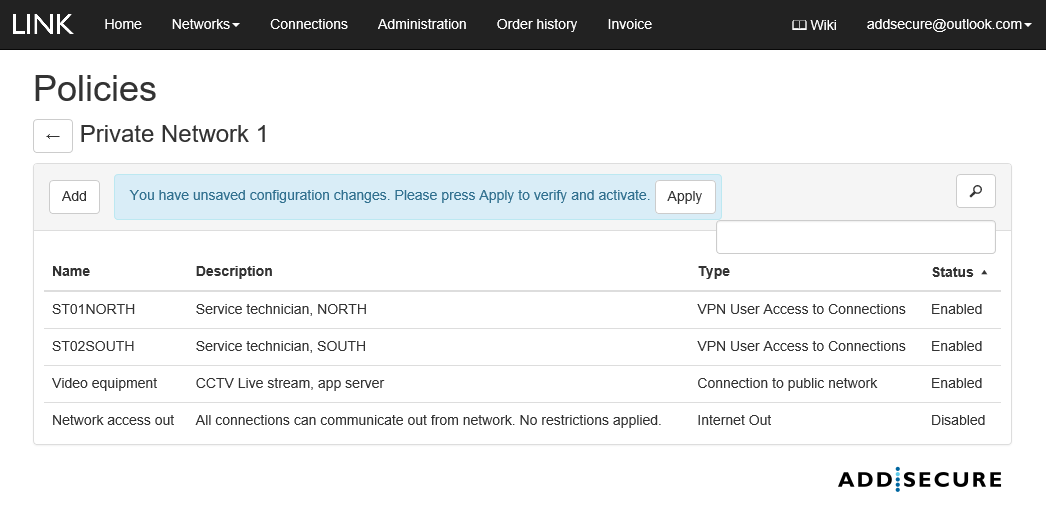
- Accept the policies, click Apply.